Overview
You will find CCleaner, Phone Cleaner under Tools on Google Play. Piriform lists it as free to download, and the short description says: Junk Cleaner: Clear junk to make space on your device with our master cleaner.
What the Play page lists
The listing shows last updated Sep 2, 2026, version 26.16.1, Android 10 or newer, a content rating of Everyone and first released Jun 10, 2014. The Play page carries 7 screenshots, and the written description runs to about 233 words. Google Play labels it as one that contains ads and offers in-app purchases. There is no upfront price.
Features, as listed
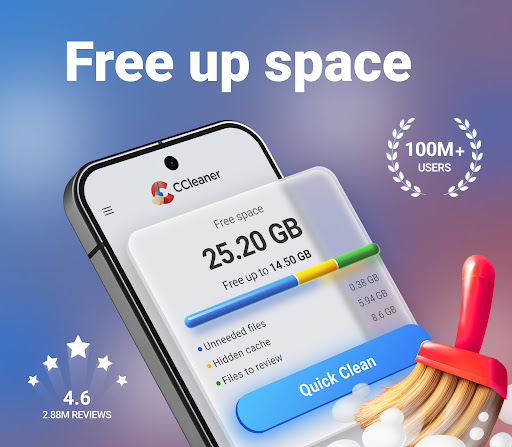
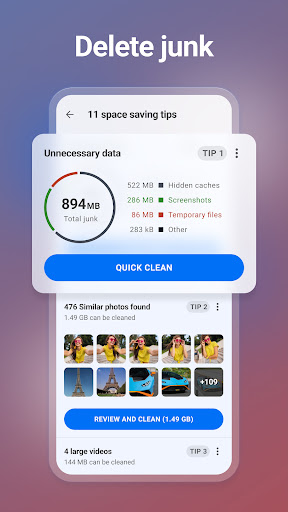
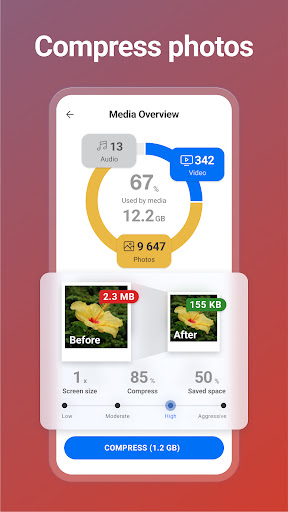
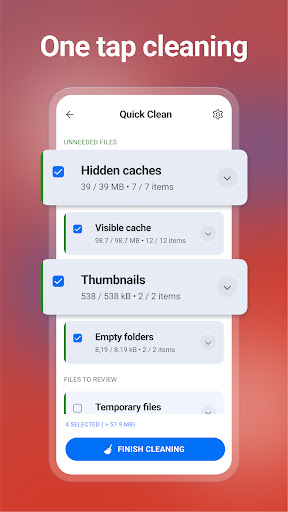
It also states that “Clean up your phone storage with CCleaner for Android”. Another line from the listing: “Brought to you from the makers of the world’s most popular PC and Mac cleaning software, CCleaner for Android is the ultimate Android cleaner”. The listing goes on to say “Quickly and easily remove junk, reclaim space, monitor your system and more, and truly master your device”. One more point the description makes: “Remove unnecessary files and clean junk safely”.
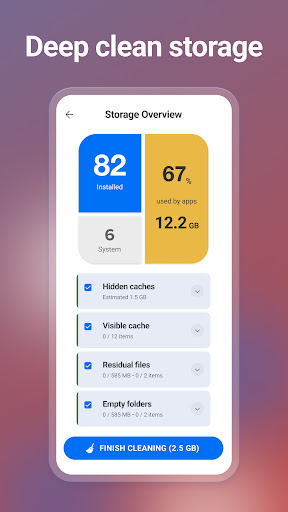
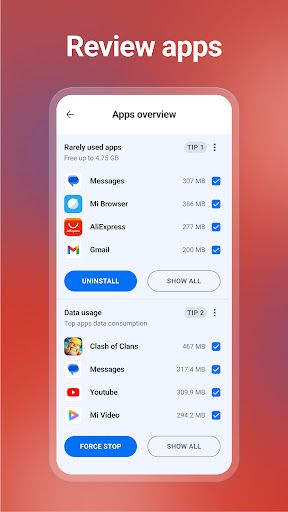
The description says: “Quickly and easily uninstall multiple unwanted applications”. In the developer’s words, “Clear junk, such as obsolete and residual files”. It also states that “Determine the impact of individual apps on your device”. That is what the developer says the app does. How well it does it for your own use is a separate question.
What the ratings show
The average is 4.53 out of 5 from 3,090,816 ratings. Five stars account for 74.6%, four for 14.8%, three for 4.6%, two for 1.5% and one for 4.5%. Most people give it full marks, with a thin tail of unhappy raters.
Put differently, there are about 16 five star ratings for every one star rating, 2,306,326 against 139,894. The middle of the scale, two and three stars together, holds 6.1% of ratings (187,855 people). The listing shows 100,000,000+ installs, so the 3,090,816 ratings come from a slice of the people who installed it.
Possible drawbacks
The listing says it contains ads and offers in-app purchases, so expect to be asked for attention or money at some point. Also, one star ratings sit at 4.5%, a modest share, though that is still 139,894 people who were unhappy enough to say so. Check the screenshots and the most recent reviews on the Play page before you rely on it.
Who it suits
Anyone looking at tools apps who prefers a name they have heard of. Check the Android version and size on the listing first so it fits your phone. Google Play gives it a content rating of Everyone, which is worth a look if a child will be using it.
From the Play Store listing
These figures come from the official Google Play listing and can change at any time. Check the current listing.
- Play rating
- 4.5 out of 5
- Ratings
- 3,090,816
- Installs
- 100,000,000+
- Developer
- Piriform
- Updated on
- Sep 2, 2026
- Version
- 26.16.1
- Content rating
- Everyone
- Requires Android
- 10
- Released on
- Jun 10, 2014
- Category
- Tools
- Price
- Free
How those ratings split