
What it is
Microsoft Copilot is an AI assistant app from Microsoft Corporation, listed under Productivity. It was released on Feb 16, 2020 and last updated on 2026-10-26. It is free to install and rated Teen. The listing describes it as AI built for work, covering the path from early ideas to finished documents and presentations.
What it does well
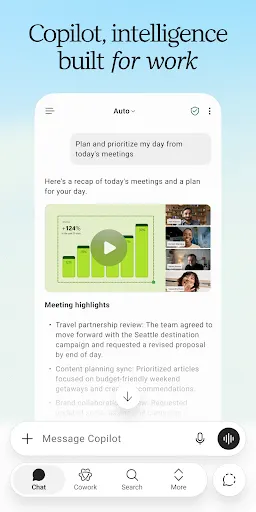
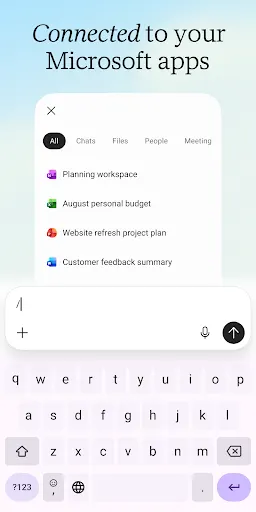
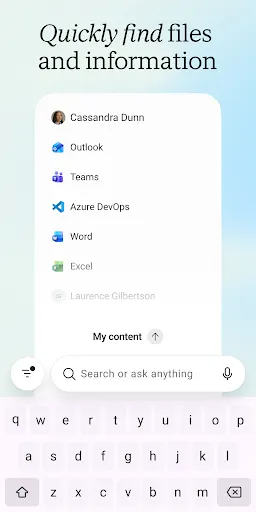
The main selling point is the link to Microsoft 365. The listing says Copilot connects to Word, Excel, PowerPoint, Outlook and Teams and can find files across Microsoft 365 content. The tasks listed include summarizing long articles and documents, drafting emails and text replies, brainstorming, planning a workday, and analyzing spreadsheets.
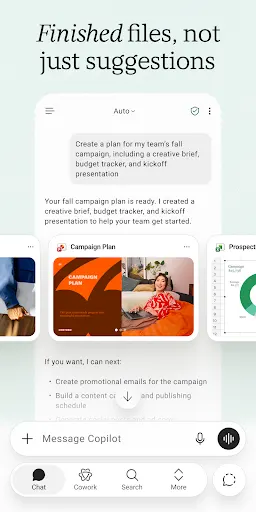
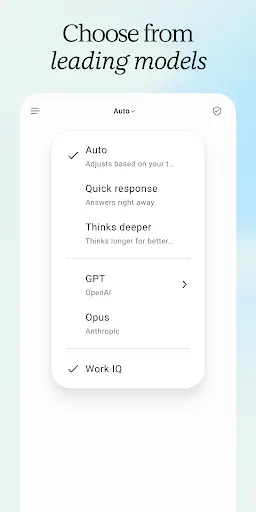
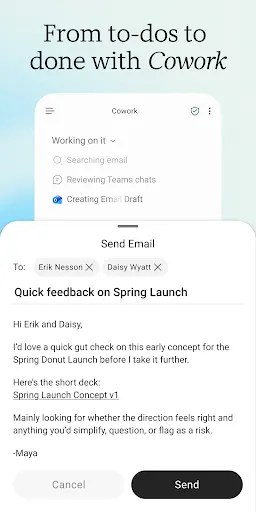
A few features are worth noting. A mode called Cowork takes multi-step tasks and produces finished Word, PowerPoint and Excel files. You can choose between AI models for different kinds of work. The app also remembers things that matter to you, accepts uploaded Word, Excel, PowerPoint, image and PDF files, and responds to voice. Where an organization holds a Microsoft 365 Copilot plan, a feature called Work IQ adds knowledge about the organization’s work and people.
What the ratings show
The app scores 4.46 from 9,291,615 ratings and has 1,000,000,000+ installs. Five stars make up 75% of ratings, and four stars add 12.1%. Three stars take 4.1%. On the low side, 1.4% gave two stars and 7.4% gave one. That is almost one rating in thirteen at the lowest score, so enthusiasm is strong but not unanimous. The data does not say what drives the lower scores.
Where it falls short
Availability is the clearest caveat. The listing says features may vary, that some capabilities require specific licenses, and that an organization’s administrator may disable some of them. It also says the commitments around data handling and protection vary with the subscription, and it refers readers to a separate security page.
The listing does not say which features are free and which need a paid plan. It also does not give any limits on usage.
Who it suits
It suits people already working inside Microsoft 365 who want an assistant for documents, email and planning. If you are using a personal account with no work license, the listing alone does not tell you what you will be able to do.
From the Play Store listing
These figures come from the official Google Play listing and can change at any time. Check the current listing.
- Play rating
- 4.5 out of 5
- Ratings
- 9,291,615
- Installs
- 1,000,000,000+
- Developer
- Microsoft Corporation
- Updated on
- Oct 26, 2026
- Version
- 16.0.20618.20014
- Content rating
- Teen
- Requires Android
- Varies with device
- Released on
- Feb 16, 2020
- Category
- Productivity
- Price
- Free
How those ratings split


