
What it is
WPS Office is a Productivity app from WPS SOFTWARE PTE. LTD. It was first released in July 2011 and last updated on 2026-10-28. It is free to install, rated Everyone, and has 500,000,000+ installs. The Play rating is 4.32, drawn from 6,003,635 ratings.
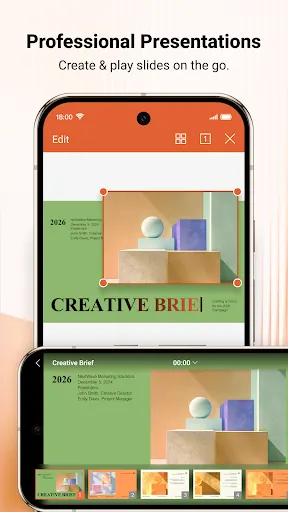
The pitch is an all-in-one mobile office: write, edit and read documents, spreadsheets and presentations, plus a full set of PDF utilities.
What it does well
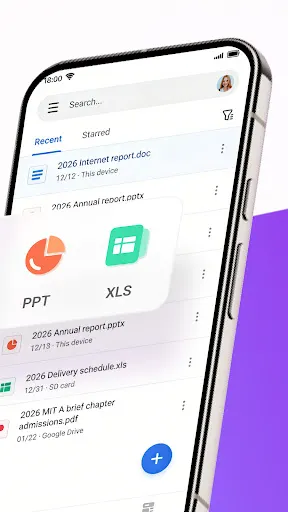
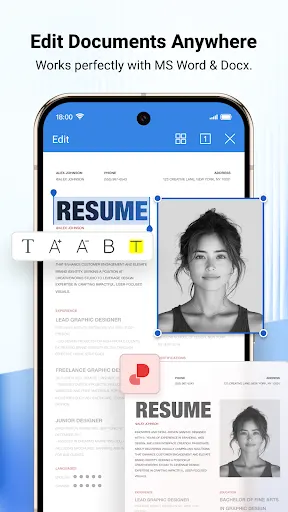
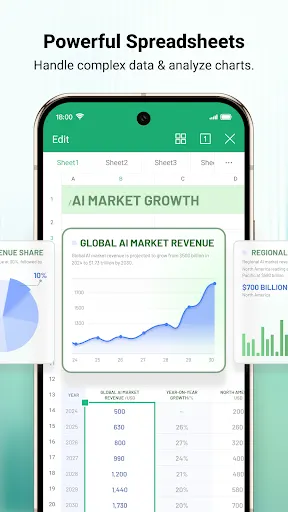
Coverage is the main strength. The listing says the app opens and edits Word files, PDFs, spreadsheets and PowerPoint presentations, including ones made in other office programs. For spreadsheets it mentions tables, formulas and charts.
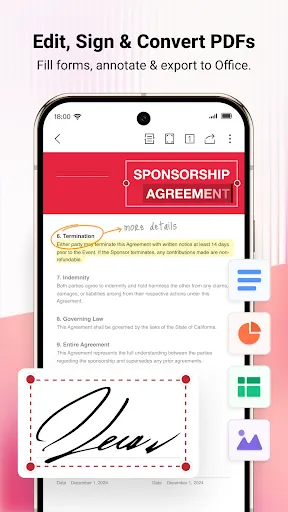
PDF work gets the longest list. You can read and annotate with highlights, comments and notes, edit text, manage pages, merge and split files, and add signatures or watermarks. Conversion runs in several directions: PDF to Word, Word to PDF, and images or text to PDF.
There is also a document scanner. It saves scans as PDF files and uses OCR to pull out text, with contracts, receipts and notes given as examples. On top of that, the listing describes AI-assisted features such as drafting help, PDF summaries and document analysis.
Ratings lean positive. 74.4% are 5 stars and 8.3% are 4 stars, which is a lot of satisfied users out of six million.
Where it falls short
The 1-star share is 11.7%, while only 1.7% rate it 2 stars. That points to a noticeable group of people who were very unhappy, though the ratings do not say why.
The listing also leaves out a few things buyers would want to know. It does not state which tools are free and which sit behind a subscription. It does not give the app’s storage footprint, which matters on a phone that handles scanning and large files. And the AI features are described in general terms without limits or usage caps.
Who it suits
Students, office workers and anyone who needs to open a stray Word or PDF file on a phone will find plenty here. People who sign or convert PDFs often get the most from the tool list. If you only need to view a document once in a while, a lighter reader may be enough.
From the Play Store listing
These figures come from the official Google Play listing and can change at any time. Check the current listing.
- Play rating
- 4.3 out of 5
- Ratings
- 6,003,635
- Installs
- 500,000,000+
- Developer
- WPS SOFTWARE PTE. LTD.
- Updated on
- Oct 28, 2026
- Version
- 26.10.0
- Content rating
- Everyone
- Requires Android
- 7.0
- Released on
- Jul 21, 2011
- Category
- Productivity
- Price
- Free
How those ratings split


