A virtual playset for Bluey fans
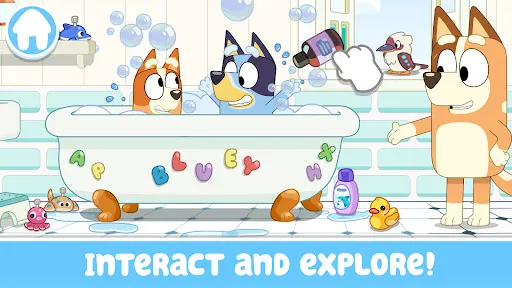
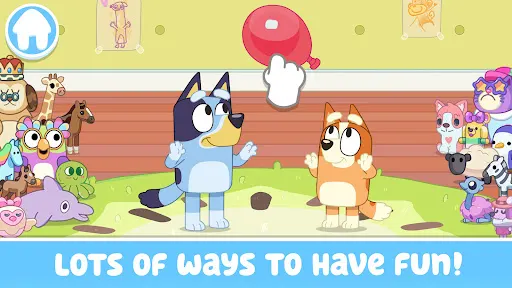
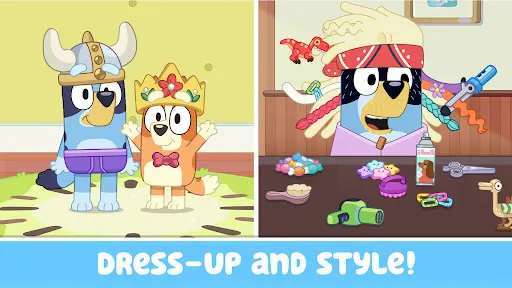
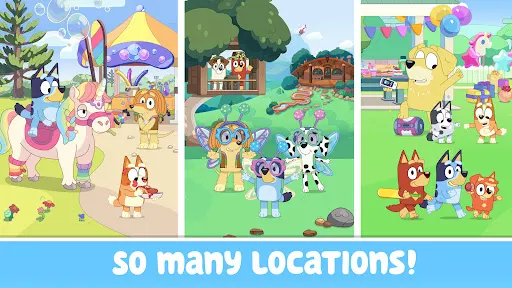
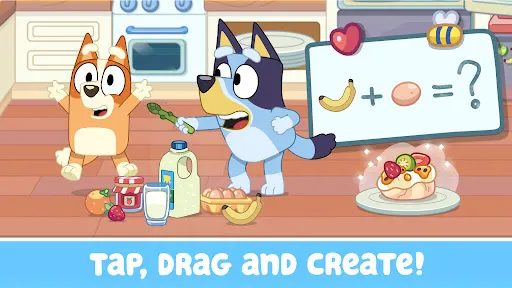
Bluey: Let’s Play is an open-ended toy house. It is based on the animated show, and the main space is the Heeler family home. Kids move from room to room, tapping and dragging things to see what happens. The listing mentions hunting for longdogs, a game of Pop Up Croc, a kitchen where you cook recipes, a backyard pizza oven, a trampoline and a bubble bath.
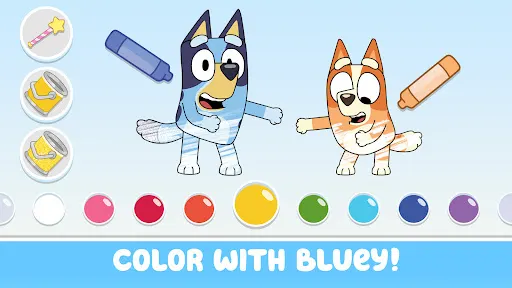
There’s no score and no failure state in the description. It’s pitched at preschoolers and toddlers, and the tone is calm. Parents are invited to play along, which makes sense for a game built around pretend play. A coloring section lets children fill in scenes and characters from the show.
The ratings
The app holds 4.31 stars from about 263,000 ratings, with 50 million or more installs. The part I’d flag is that 9.5 percent of raters chose one star, higher than you see on the best-liked kids’ apps. The store doesn’t show why, and I haven’t played it, so I’m leaning on the listing and ratings alone. Common causes in this type of game are ads, locked rooms and glitches, so those are what to look for.
It came out in August 2023, which makes it quite recent compared with a lot of children’s titles, and the latest build is dated October 2026.
Questions for the parent
Google lists ads and in-app purchases. For preschoolers, the key thing is how those show up. Ask yourself whether a toddler can reach a purchase screen with a tap, and whether ads can appear in the middle of play. The listing doesn’t answer, so it’s worth sitting with your child for the first session. A device-level purchase password is a sensible safeguard no matter what.
The other thing to consider is whether your child likes open play. Some kids enjoy a house to poke around in for an hour, while others want goals and rewards. If your child is already a fan of the show, the characters and settings will probably carry the experience.
Who it suits
Children from toddler age to early primary who love the show are the clear audience. Older children will probably find it too simple. Try it for ten minutes with the sound on and see whether your child recognizes the rooms and jokes.
It’s also worth noticing how this fits into a day. A toy house with no timer is easy to stop, which parents usually like, but it also means you’ll need to set the limits yourself. Pick a natural end point, such as one room or one coloring page, so that putting the phone down isn’t a fight.
From the Play Store listing
These figures come from the official Google Play listing and can change at any time. Check the current listing.
- Play rating
- 4.3 out of 5
- Ratings
- 262,686
- Installs
- 50,000,000+
- Developer
- Budge Studios
- Updated on
- Oct 2, 2026
- Version
- 2026.13.0
- Content rating
- Everyone
- Requires Android
- 5.1
- Released on
- Aug 13, 2023
- Category
- Casual
- Price
- Free
How those ratings split
More casual games we have reviewed


Keep reading