A busy creative toolbox for small hands
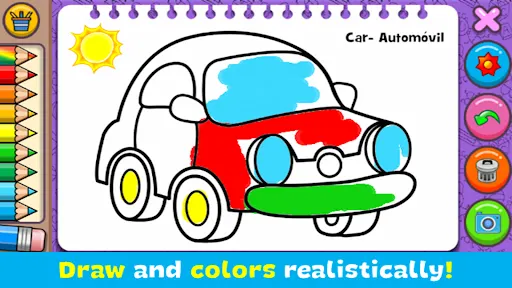
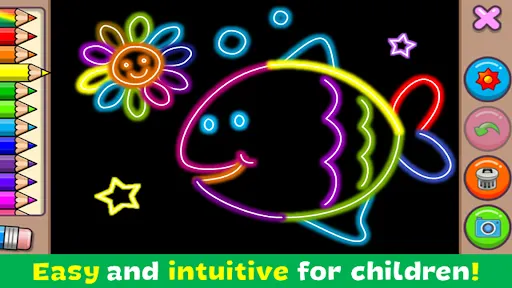
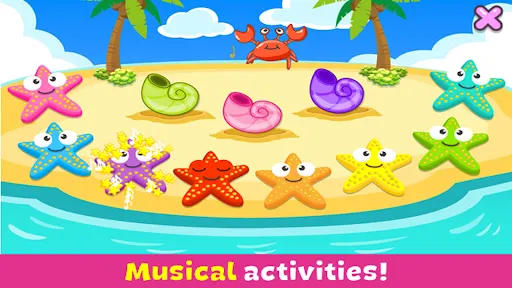
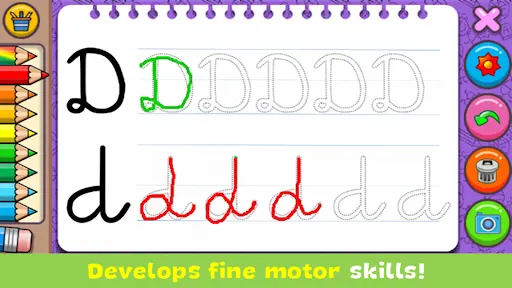
Coloring and Learn bundles two things that normally live in separate apps. One is a coloring book with more than 250 pages. Children can paint with brushes, pencils, markers, airbrushes and glitter effects, and decorate the result with over a hundred stickers. The themes range from animals, dinosaurs and princesses to food, space, vehicles, Christmas and Halloween.
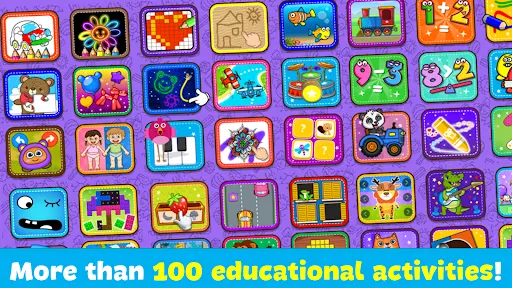
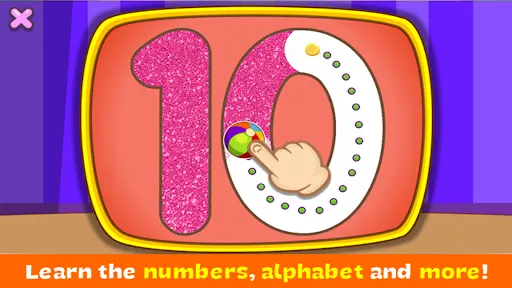
The other half is learning. The listing counts over 70 mini-games, covering things like counting, addition and subtraction, bigger and smaller, shapes, body parts, sequences, memory and animal sounds. Pixel art and puzzles are mixed in. It’s pitched at preschoolers, but the developer says it suits children of all ages.
Where the ratings are less comfortable
The app sits at 4.26 stars across about 292,000 ratings, with installs at 100 million or more. The figure I’d pause on is the one-star share, 10.1 percent. For a children’s app, that often signals frustration with ads or locked content, though the listing doesn’t say so and I haven’t tried it. This page is built from the store listing and the ratings, so treat that as a question to check, not a finding.
The app has been listed since 2016, and the latest version was released in October 2026.
What a parent should look at first
The Play page flags ads and in-app purchases. In children’s creative apps, free users often get a handful of pages and games, and the rest sit behind a subscription or a one-time unlock. The store page doesn’t spell out what’s free, so open the page library and the game list yourself, and note how many items carry a lock.
Then watch for the way ads and offers show up. A child who is happily coloring should not be one tap away from a purchase screen. Use a device-level purchase password, and consider whether you want to be in the room for the first session.
Who it fits
Children between roughly three and seven who like drawing, and parents who want a screen activity that is more than passive video, are the audience. Older children will move on to real drawing apps. It’s worth a short trial: let your child color two pages and play three mini-games, and watch whether the ads interrupt the flow.
The breadth is both the strength and the risk. A child may bounce between dozens of tools without finishing a picture, so a parent who wants the learning side to stick could pick two or three games a week and keep the rest as a reward. That keeps the app a tool, not just a distraction, and it makes the ads easier to manage.
From the Play Store listing
These figures come from the official Google Play listing and can change at any time. Check the current listing.
- Play rating
- 4.3 out of 5
- Ratings
- 292,068
- Installs
- 100,000,000+
- Developer
- Orange Studios Games
- Updated on
- Oct 12, 2026
- Version
- 2.30
- Content rating
- Everyone
- Requires Android
- 6.0
- Released on
- Jul 19, 2016
- Category
- Educational
- Price
- Free
How those ratings split
More educational games we have reviewed


Keep reading
-
 Toca Boca World
-
 Toca Boca Jr: Fun Kids Games
-
 Cooking Mama: Let's cook!
-
 Animal Jam
-
 Baby Panda's School Bus
-
 Times Table - Learn Math