Solitaire for people who like to plan
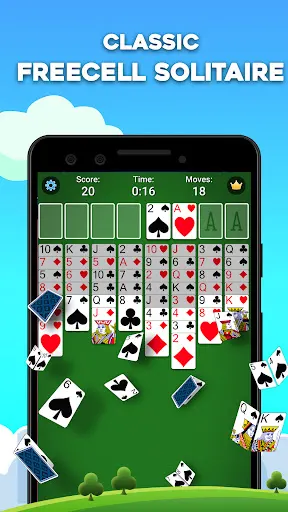
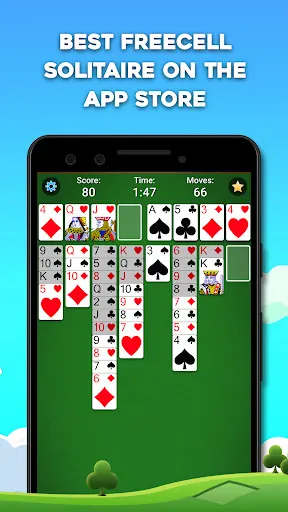
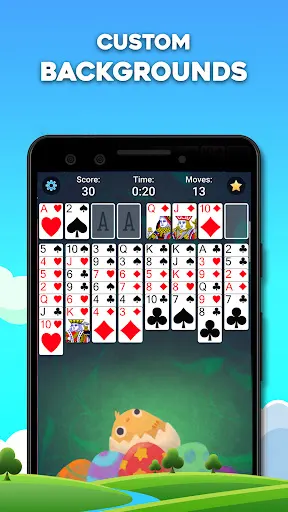
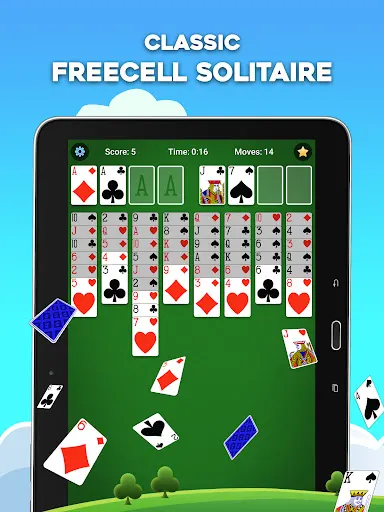
FreeCell is the thinking person’s cousin of Klondike. All 52 cards are dealt face up, and you build them into four suit piles in ascending order. Four open “free cells” serve as temporary parking spots, so the game becomes a puzzle about which cards to park and when. Most deals can be won with careful planning, which is why players treat it as a mental workout more than a game of luck.
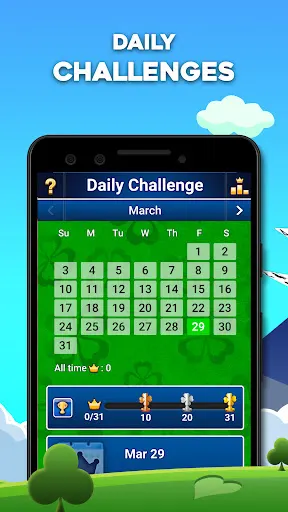
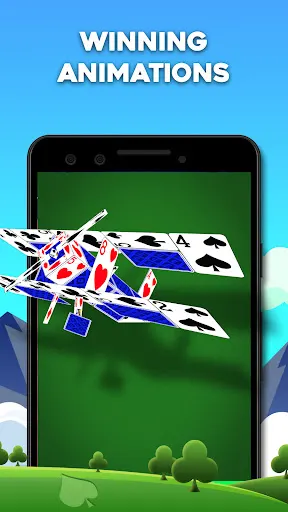
This MobilityWare version keeps to that formula. The listing leans on relaxation and brain training, and mentions a memory card game as well. It doesn’t describe daily challenges, themes or special modes, so I won’t guess at them. Open the menu on first launch to see what else is included.
What the numbers say
The app holds 4.61 stars from about 342,000 ratings. Only about 2.6 percent of ratings are one star, a low figure for any ad-supported game. Installs are at 10 million or more, which is much smaller than the giants in other genres, but solitaire fans are a loyal group. The game has been on Play since 2011, and an update arrived in October 2026.
The animations and hints are unseen by me. This page is a desk read of the description and public ratings.
Ads and extras
Ads and in-app purchases get a Google flag here. In solitaire apps, the usual pattern is an ad between games, and an option to pay for an ad-free experience or extra themes. The listing doesn’t say what this app sells. Play a handful of hands and see how often an ad interrupts you. For a game people play in short bursts, that frequency decides whether it’s pleasant.
One feature to look for is undo and hints. In FreeCell, a single bad move can ruin a deal, and an undo button is the difference between frustration and fun. The listing doesn’t mention it, so check the first game screen.
It runs on Android 8.0 and up.
Who it suits
Players who like planning ahead, older and younger alike, will enjoy it, as will anyone who wants a quiet game during a commute. If you prefer fast, luck-driven games, Klondike or a casual puzzler may suit you better. Try three deals, and see whether you enjoy the satisfaction of a hard one solved.
If you’re new to FreeCell, the usual advice is to look at the whole layout before your first move. Plan how to free the aces and low cards, avoid filling every free cell early, and empty a column when you can. Those habits matter more than speed, and a calm app is a good place to build them.
From the Play Store listing
These figures come from the official Google Play listing and can change at any time. Check the current listing.
- Play rating
- 4.6 out of 5
- Ratings
- 342,166
- Installs
- 10,000,000+
- Developer
- MobilityWare
- Updated on
- Oct 12, 2026
- Version
- 7.2.0.5102
- Content rating
- Everyone
- Requires Android
- 8.0
- Released on
- Sep 15, 2011
- Category
- Card
- Price
- Free
How those ratings split
More card games we have reviewed


Keep reading
-
 Zynga Poker- Texas Holdem Game
-
 UNO!™
-
 Solitaire Grand Harvest
-
 Hearthstone
-
 Solitaire - Classic Card Games
-
 Disney Solitaire