

Jigsaws without the mess
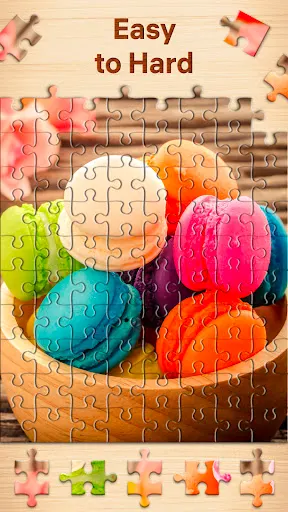
Jigsaw Puzzles is exactly what it sounds like: you slide pieces into place to complete a picture. The listing talks about more than 30,000 HD images, free to play, with the difficulty set by the number of pieces. There are no points, no timers pushing you, and no missing pieces. The pitch is calm, and the developer ties it to concentration and short-term memory.
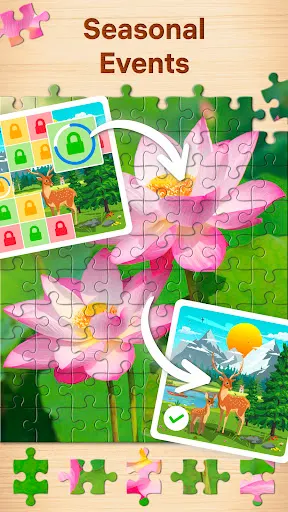
It targets adults, and the description even mentions seniors, which tells you the tone. Pictures are bright and varied, and there’s a fresh puzzle each day. Because they are stored on the device, you can keep puzzles on hand and work on them offline, which is handy for travel or a waiting room.
How the audience rates it
The app has 4.78 stars from about 2.4 million ratings, and only 2.0 percent of raters chose one star. Installs top 100 million. For an ad-supported game, that’s a very gentle complaint rate. The game came out in April 2019, and the newest build is from October 2026.
Piece-dragging smoothness can’t be judged from a store page. What’s here comes from the description and public ratings.
What to check
Google flags ads and in-app purchases. For a relaxing puzzle app, ads are the cost that matters most, because an interruption in the middle of a quiet session is jarring. The listing doesn’t say how often they appear. Try a couple of puzzles in a row and see how it feels.
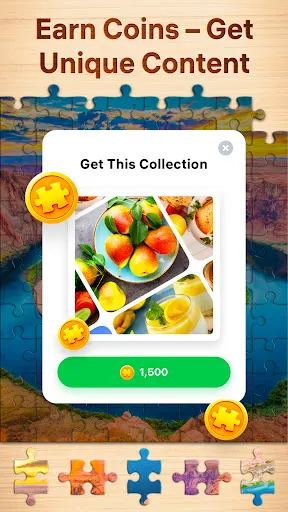
The in-app purchases may relate to extra picture collections or an ad-free tier, but the page doesn’t say. Check the store tab before assuming everything is available free.
Piece count is the main control over challenge. A 20-piece puzzle takes a minute and a 300-piece puzzle can take an evening. On a small phone screen, high piece counts mean small pieces, so a tablet is a more comfortable choice for hard puzzles. Start at a moderate count and move up.
The game is rated Everyone, so it suits children, and the quiet pace makes it a good fit for a shared session. It needs Android 8.0 or newer.
Who it suits
It fits people who like a low-pressure way to unwind, from commuters to grandparents. If you want competition or a score, it doesn’t offer that. Do the daily puzzle for a week, and notice whether you look forward to it.
From the Play Store listing
These figures come from the official Google Play listing and can change at any time. Check the current listing.
- Play rating
- 4.8 out of 5
- Ratings
- 2,400,641
- Installs
- 100,000,000+
- Developer
- Easybrain
- Updated on
- Oct 9, 2026
- Version
- 4.12.0
- Content rating
- Everyone
- Requires Android
- 8.0
- Released on
- Apr 10, 2019
- Category
- Puzzle
- Price
- Free
How those ratings split
More puzzle games we have reviewed


Keep reading