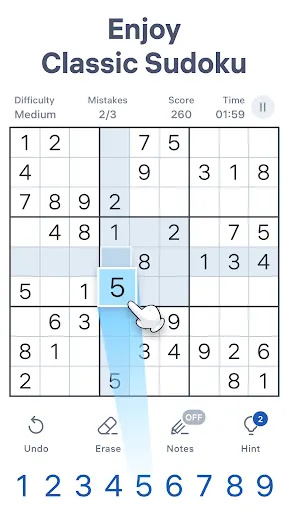
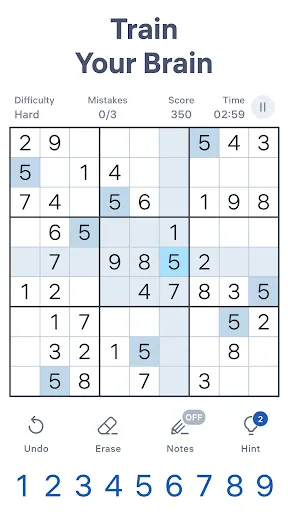
A big library of classic puzzles
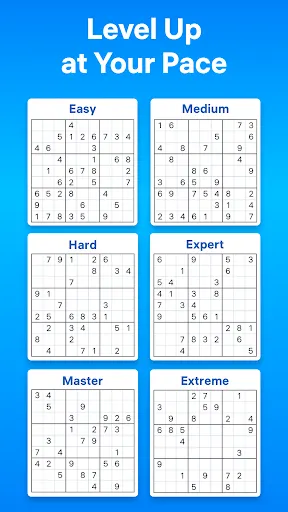
Sudoku.com is a plain, classic sudoku app. The listing says it holds more than 10,000 puzzles and offers six difficulty levels: fast, easy, medium, hard, expert and giant. There is a daily sudoku, and the app is available offline, which suits commutes and flights.
The pitch is that using it is as good as pencil and paper. The description says each puzzle has exactly one solution, which matters if you have ever been frustrated by a badly generated grid.
Helpers you can use or ignore
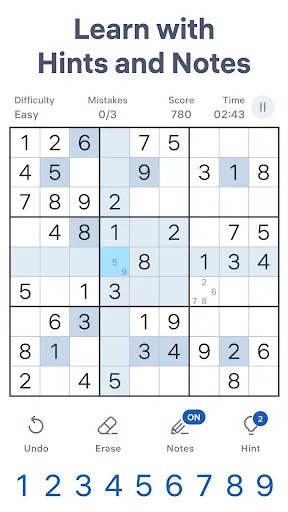
The app offers tools that make solving easier: hints, auto-check and highlighting of duplicate numbers. For a beginner these are useful training wheels. For an experienced player they are optional, but they are within easy reach and can become a crutch if you are not careful.
The description frames sudoku as a way to exercise logic and memory, and to take a calm break or clear your head. That is a fair summary of the appeal. Nothing in the listing suggests a story, characters or competition. It is you and a grid.
How it is rated
The average is 4.74 stars from about 2.5 million ratings, and only 3.2 percent gave one star. Across 100 million-plus installs, it is an excellent result for a puzzle app, a category that often draws complaints about ads. It has been around since 2017 and was updated in late October 2026.
A score this high suggests that, for most people, the puzzles are fair and the app is stable. It does not tell you whether the ads fit your tolerance, which is a personal call.
Difficulty labels differ between apps, so do not assume Medium here matches Medium elsewhere. Start one level below where you normally play and work up. The top level is called giant, which suggests a much longer solve, so save it for when you have time.
Before you install
Play flags ads and in-app purchases. Typical patterns for puzzle apps are an ad after finishing a puzzle and a paid option to remove them, but the listing does not say what the purchases cover here. Free to get, labelled Everyone, and Android 8.0 or later is needed.
If you want a quiet sudoku habit, check the ad rhythm in your first three puzzles. If it is tolerable, you probably have years of puzzles ahead of you.
Puzzle generation and the difficulty scale are as the developer describes them, because this page comes from the store text and ratings, not a long session. Test one puzzle at your usual level.
From the Play Store listing
These figures come from the official Google Play listing and can change at any time. Check the current listing.
- Play rating
- 4.7 out of 5
- Ratings
- 2,527,441
- Installs
- 100,000,000+
- Developer
- Easybrain
- Updated on
- Oct 22, 2026
- Version
- 7.10.0
- Content rating
- Everyone
- Requires Android
- 8.0
- Released on
- Nov 26, 2017
- Category
- Puzzle
- Price
- Free
How those ratings split
More puzzle games we have reviewed


Keep reading