Flash cards for multiplication
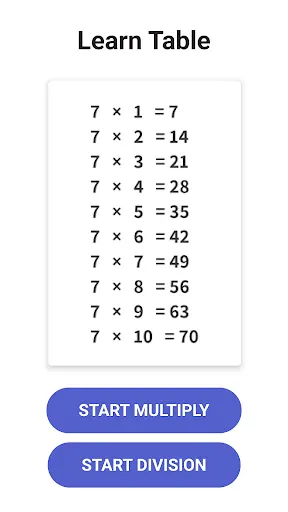
Times Table is a focused learning app. The developer built it as a set of multiplication flash cards, with the stated goal that students should know their tables from 1 to 20 for quick math calculations. The description says you can study tables from 1 to 30 and also larger sets, up to 40, 50 and even 100, which goes beyond what most schoolwork asks for.
The audience is split between children learning the basics and adults who want to keep their mind sharp or prepare for tests and exams. The listing says that the knowledge helps with counting and solving math problems, which is a fair summary of why times tables matter.
How practice works
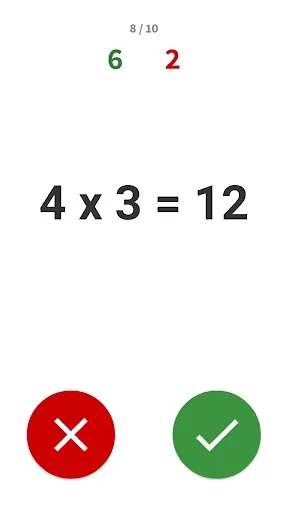
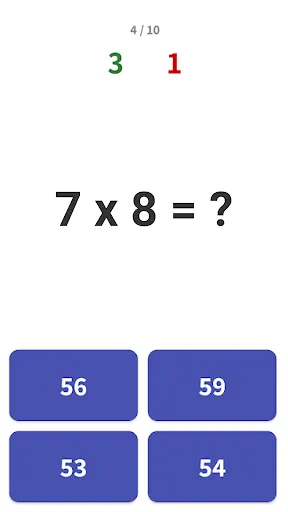
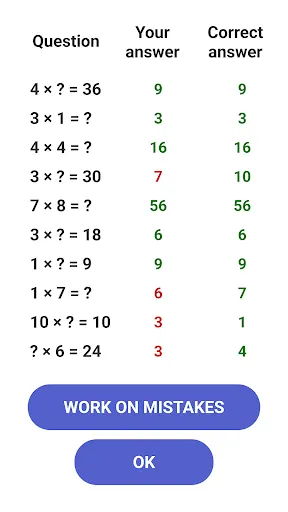
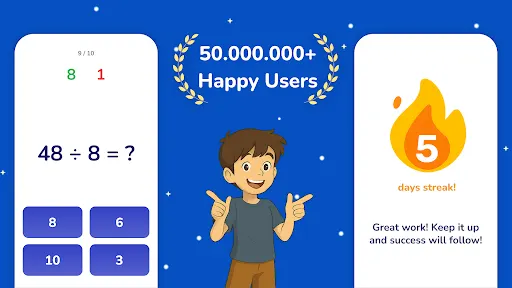
There are three modes: Training, Study and Test. You pick the size of the table you want, such as 10 or 20, and the kind of game: Test, True or False, or Input. A flash card format like this is a classic way to build recall, and having several question types gives learners a choice between multiple choice, a yes-or-no check and typing the answer.
What the store text does not explain is how the app tracks mistakes, whether it repeats the ones you get wrong, or whether there are rewards for finishing. Those details decide whether a child will keep going, so try it with your learner for a session before buying anything.
What the ratings say
The average is 4.49 stars from about 263,000 ratings, with roughly 7 percent giving one star. With more than 50 million installs, it is widely used, and it has been available since 2019. A release dated October 20, 2026 shows it is still looked after.
Educational apps tend to land on one-star reviews when ads interrupt a child mid-answer or content is locked, though the store data gives no reason here.
What to check before installing
The listing shows ads and in-app purchases. For an app that kids will use, set up Play Store purchase approval first, and pay attention to what appears between questions. There is no charge to install it, the age label is Everyone, and Android 7.0 or higher is required.
This is based on the store description and the public ratings alone. I haven’t used it with a child, so whether the drill format keeps young learners engaged is an open question. A short trial run is the best answer.
From the Play Store listing
These figures come from the official Google Play listing and can change at any time. Check the current listing.
- Play rating
- 4.5 out of 5
- Ratings
- 262,856
- Installs
- 50,000,000+
- Developer
- BrainSoft Apps
- Updated on
- Oct 20, 2026
- Version
- 2.2.6
- Content rating
- Everyone
- Requires Android
- 7.0
- Released on
- Jan 21, 2019
- Category
- Educational
- Price
- Free
How those ratings split
More educational games we have reviewed


Keep reading
-
 Toca Boca World
-
 Toca Boca Jr: Fun Kids Games
-
 Cooking Mama: Let's cook!
-
 Animal Jam
-
 Baby Panda's School Bus
-
 Coloring & Learn