Overview
Scan paperwork into PDFs and organize into folders you can easily find and use. That is how Adobe pitches Adobe Scan: PDF Scanner App on Google Play, where it sits in the Business category and carries a content rating of Everyone.
Reading the star ratings
The average is 4.62 out of 5 from 3,042,449 ratings. Five stars account for 81.1%, four for 10.2%, three for 2.7%, two for 1.3% and one for 4.7%. That is a lopsided curve in the good direction, with the bulk of people at the top.
The raw counts are 2,468,536 five star votes against 143,251 one star votes, roughly 17 to 1. The middle of the scale, two and three stars together, holds 4.0% of ratings (120,932 people). The listing shows 100,000,000+ installs, so the 3,042,449 ratings come from a slice of the people who installed it.
Listing details
The listing shows last updated Oct 8, 2026, a content rating of Everyone and first released May 31, 2017. The Play page carries 24 screenshots, and the written description runs to about 620 words. Google Play labels it as one that offers in-app purchases. There is no upfront price.
Features, as listed
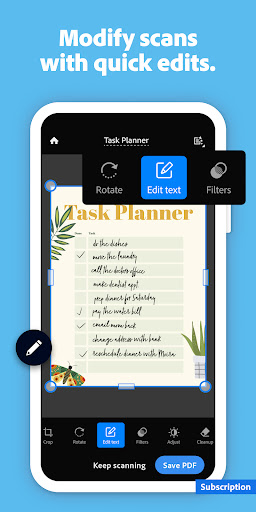
The description says: “Scan handwritten words into digital text”. In the developer’s words, “The new Digitize tool lets you turn handwritten notes and whiteboards into editable, searchable documents that look digitally created”. It also states that “1) Save time with a fast document scanner app: Use High-speed scan to bulk scan documents and turn stacks into PDFs in seconds”. Another line from the listing: “2) Make a PDF with your phone: Convert paper documents or printed photos into PDFs or JPEGs with the mobile PDF converter and photo scanner app”.
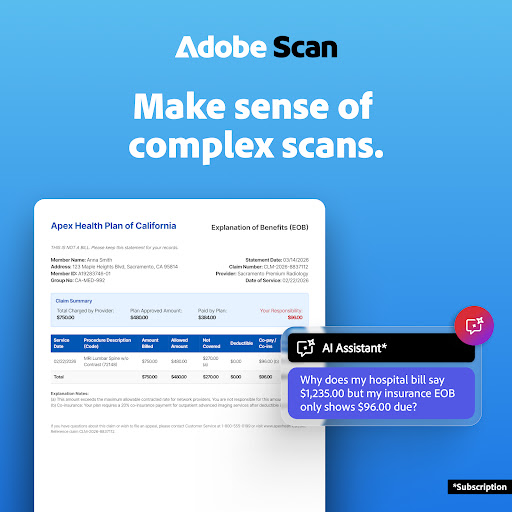
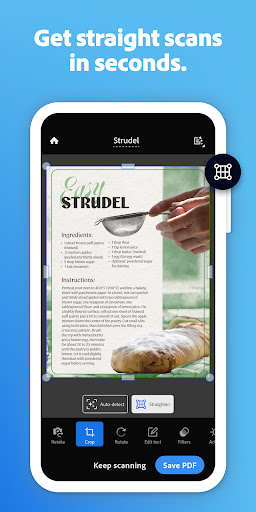
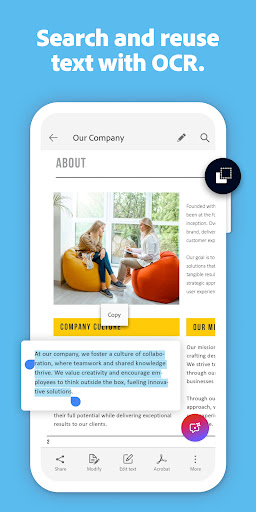
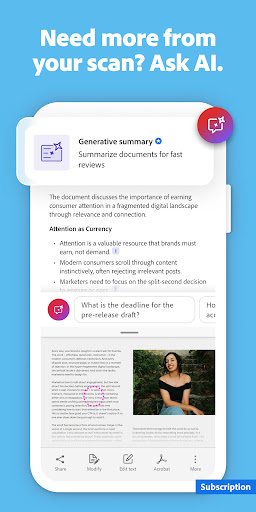
The listing goes on to say “3) Ask AI Assistant to pull the key points from any scan, get follow-up answers or draft emails, reports, and next steps from your scan”. One more point the description makes: “5) Turn images to text: Use the image-to-text feature in the scanner to make words searchable and editable with OCR”. The description says: “The Straighten tool fixes pages that come out curved or tilted while you scan, even if all four corners aren’t visible in the scanner”. These lines are the developer’s claims, taken straight from the store listing, not a hands-on test.
Who it suits
Anyone looking at business apps who prefers a name they have heard of. Check the Android version and size on the listing first so it fits your phone. Google Play gives it a content rating of Everyone, which is worth a look if a child will be using it.
Where it falls short
The listing says it offers in-app purchases, so expect to be asked for attention or money at some point. Also, one star ratings sit at 4.7%, a modest share, though that is still 143,251 people who were unhappy enough to say so. Check the screenshots and the most recent reviews on the Play page before you rely on it.
From the Play Store listing
These figures come from the official Google Play listing and can change at any time. Check the current listing.
- Play rating
- 4.6 out of 5
- Ratings
- 3,042,449
- Installs
- 100,000,000+
- Developer
- Adobe
- Updated on
- Oct 8, 2026
- Version
- Varies with device
- Content rating
- Everyone
- Requires Android
- Varies with device
- Released on
- May 31, 2017
- Category
- Business
- Price
- Free
How those ratings split


